

Contactless
A private second space for your contacts — kept off WhatsApp, social apps, and third-party clouds. Stored on your device, backed up only to your own Google Sheets.
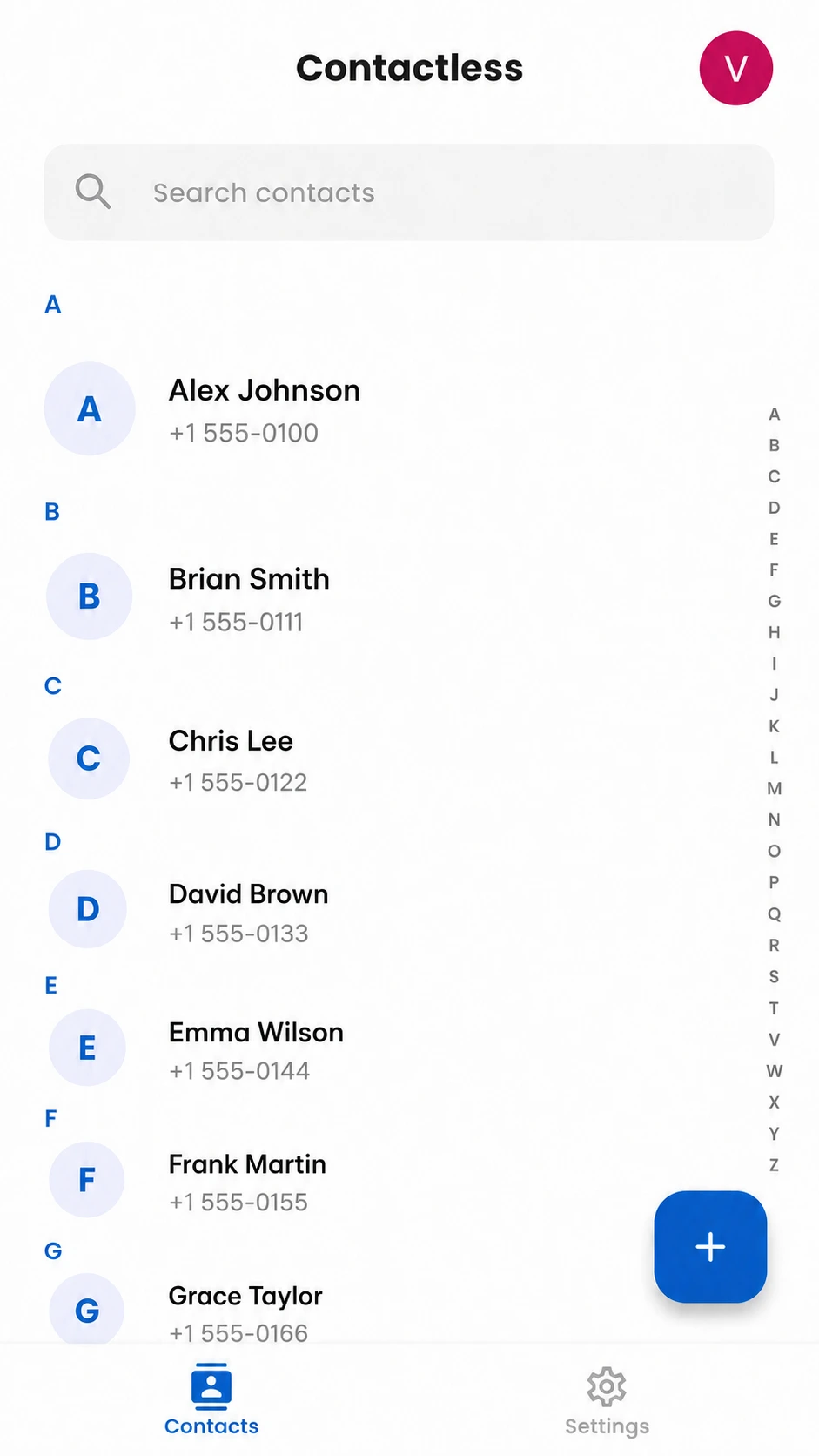
A Second Address Book, Just For You
Keep work, side projects, or personal contacts in a space of their own, completely separate from your phone's main address book.
Start Right Away, No Sign-Up Needed
The app works fully on your device without any account. Nothing to register for, no platform to lock you in.
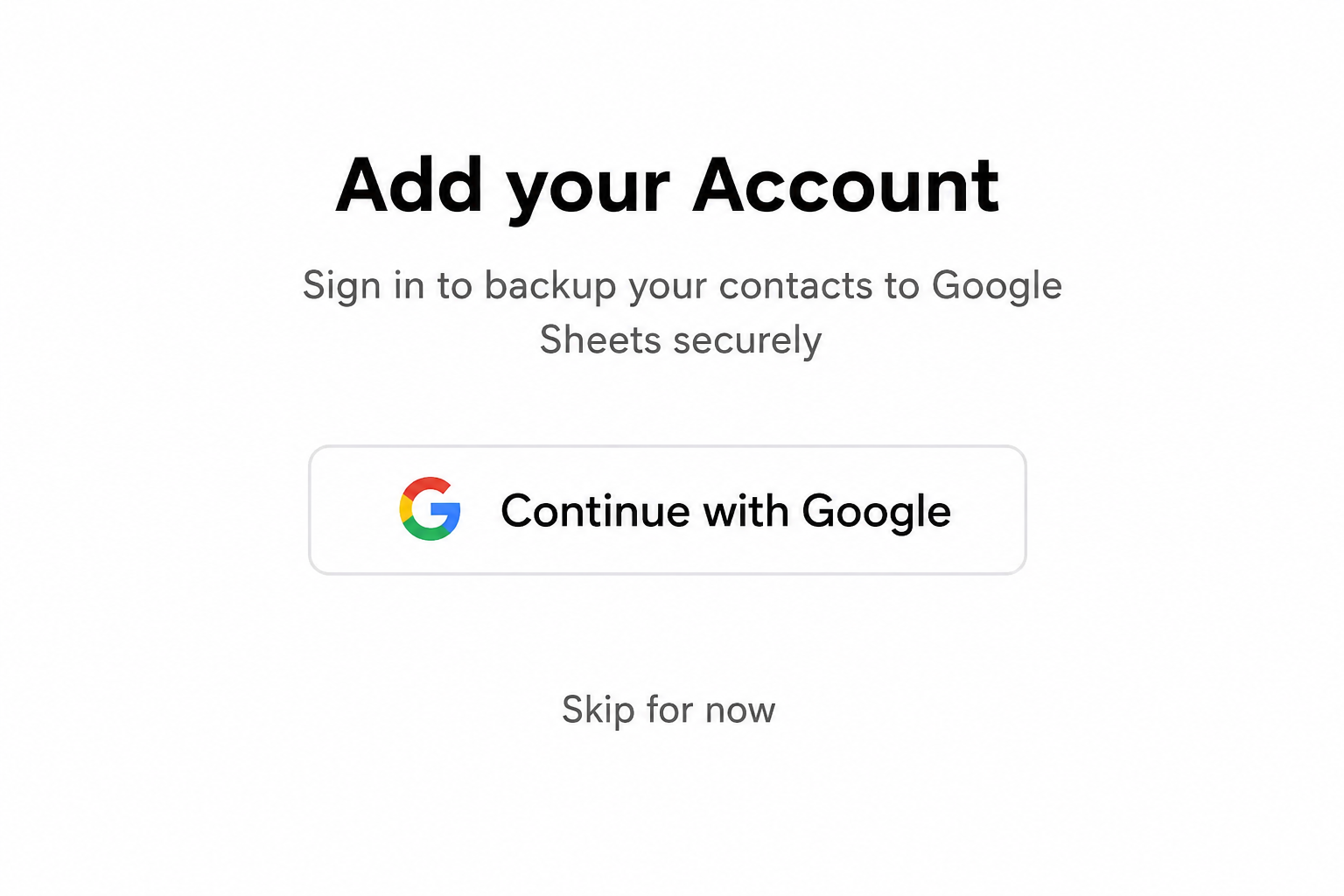
Optional Backup To Your Own Google Sheets
Want a backup? Add your Google account and sync every contact to a private spreadsheet in your own Drive. Readable, exportable, and entirely yours.
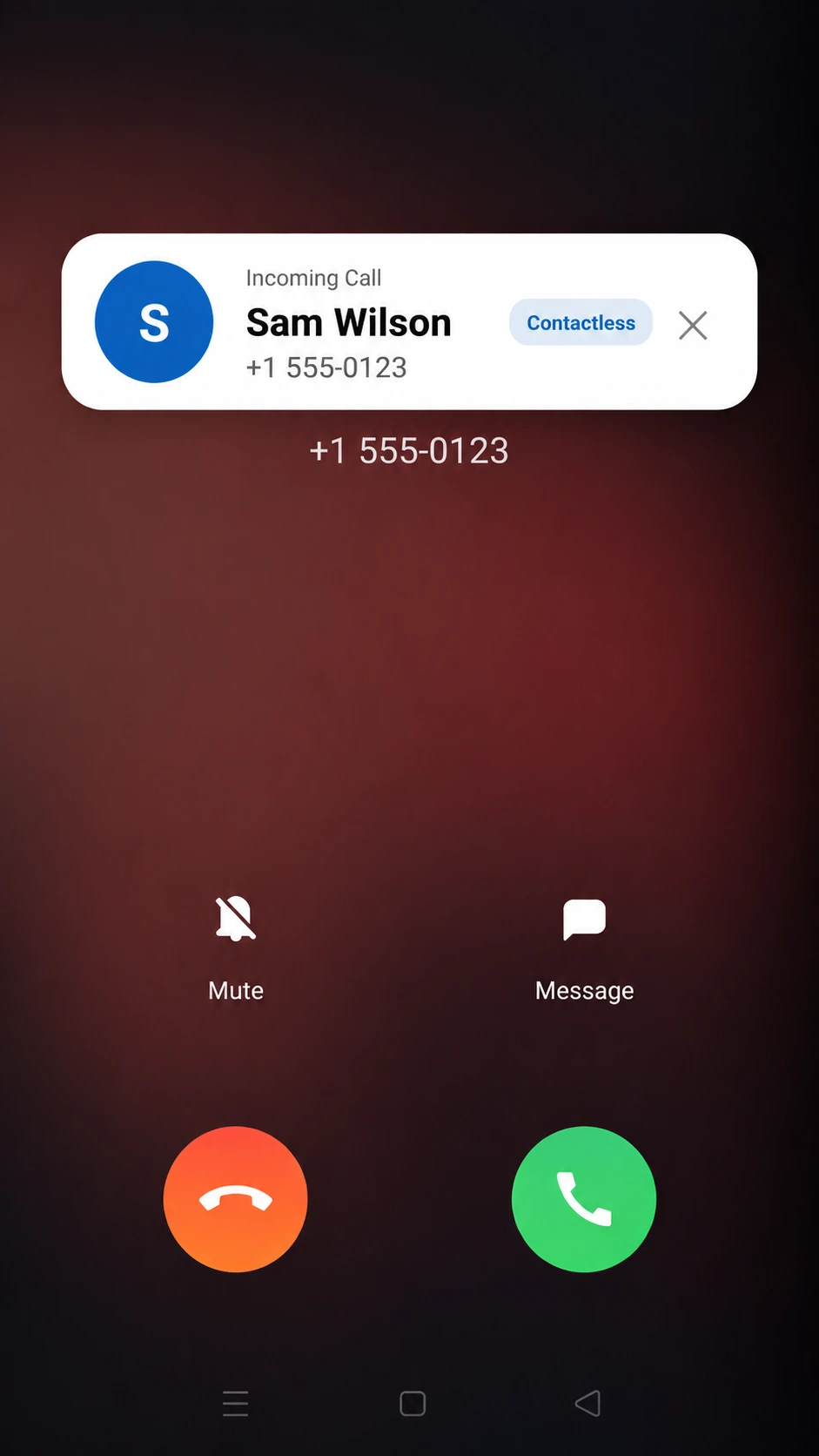
See Who's Calling Before You Pick Up
The moment a call comes in, Contactless shows the name, label, and notes you saved, right on top of your screen in real time.
Your Contacts Stay Yours
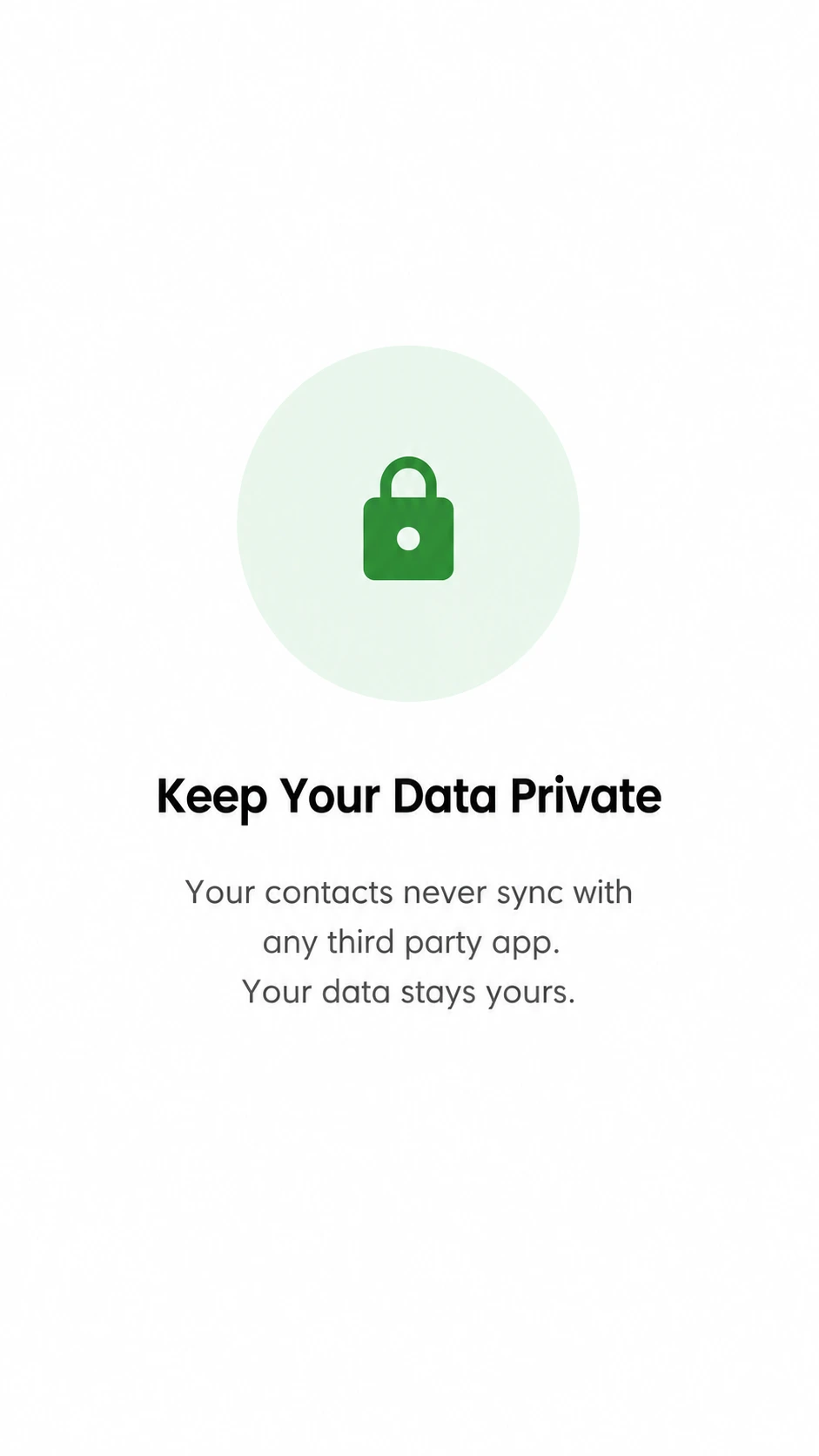
We never sell or share your contacts, and they're never stored on our servers. Your contact book stays on your device and in your own Google account.
* We collect anonymous, non-personal usage diagnostics (such as app crashes and screen navigation) to improve stability. This data is never linked to your identity or contacts.
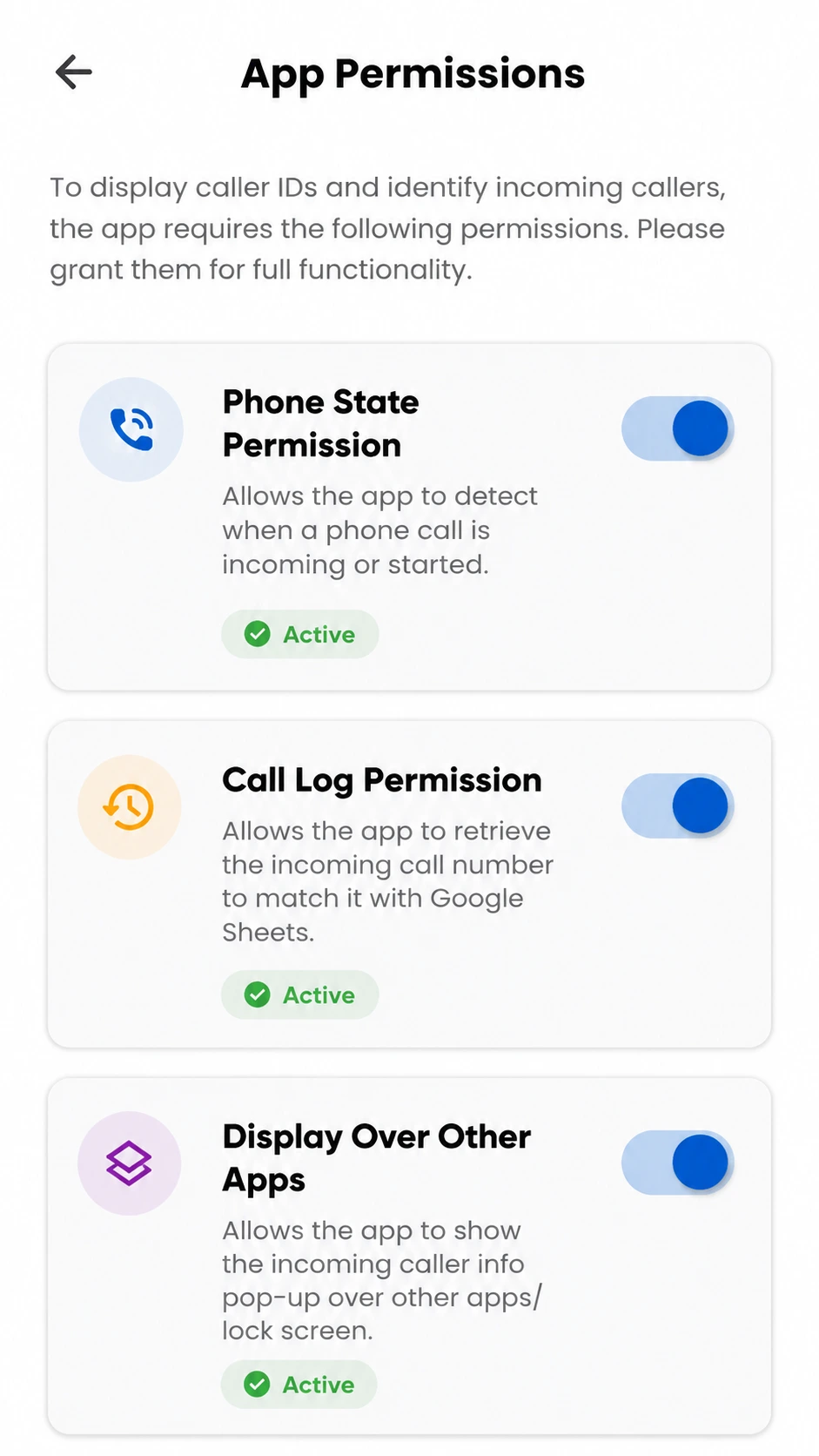
You Control Every Permission
- Core features work with zero permissions granted
- Grant only what you need, when you need it
- Revoke any permission anytime without losing your contacts
Third-Party Services
If you choose to enable backup, Contactless uses Google Sign-In to connect securely to your own Google account. We request access only to Google Sheets, so we can create and update a single private spreadsheet in your Drive containing your saved contacts.
What we access vs. what we don't:
- Your basic Google profile (name, email, profile photo) — used only to confirm sign-in and link your backup to your account
- Create one new spreadsheet in your Drive
- Update that spreadsheet with your contact names, phone numbers, and any notes/labels you've added
- We do not read any existing files in your Drive
- We do not access Gmail, Calendar, Photos, or any other Google data
- We never see or store your Google password